AWS-SSO Integrated with Azure AD
In this article I will show you how to create AWS SSO and integrate it with your Azure AD for Single Sign-On (SSO).
Pre-requisite: You should have an AWS Organisation set up. Here is a guide on how to set it up.
AWS Config
Log in to your master AWS Organisation account and navigate to AWS SSO in the console.

Click Enable AWS SSO. SSO is provisioned in each of the organisation's accounts.
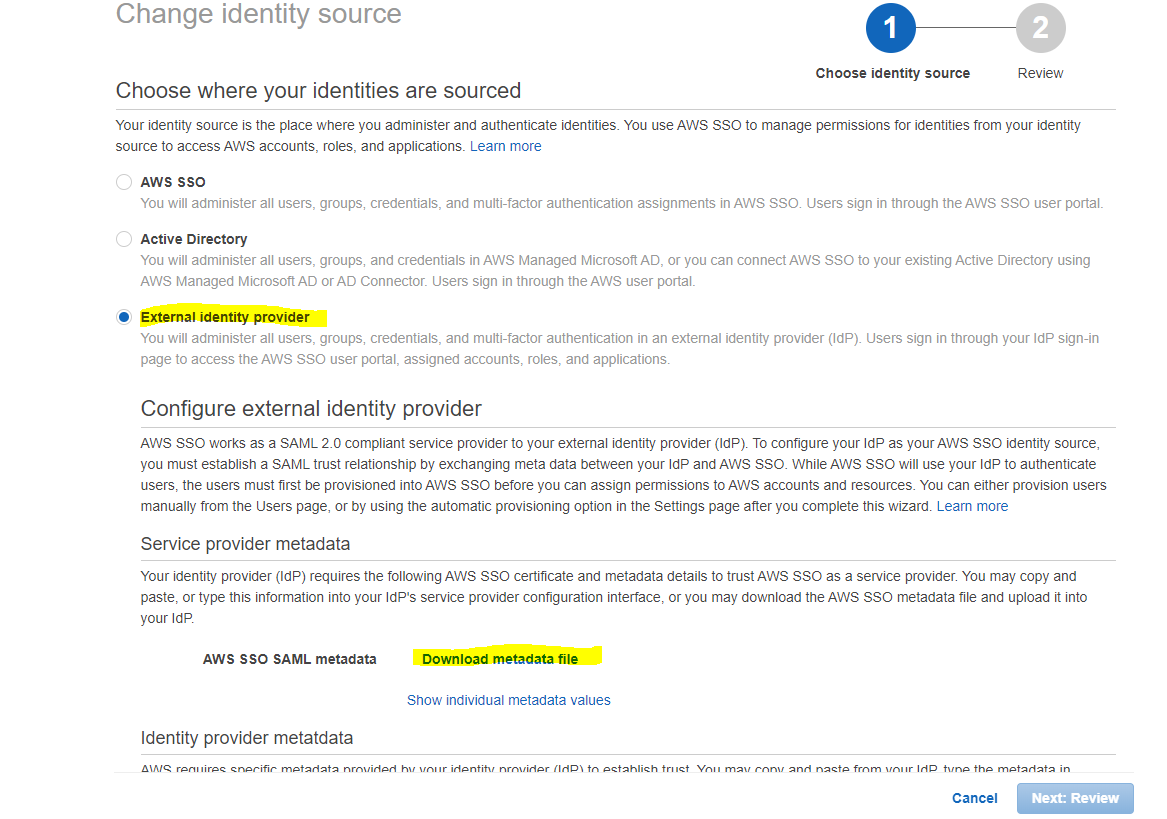

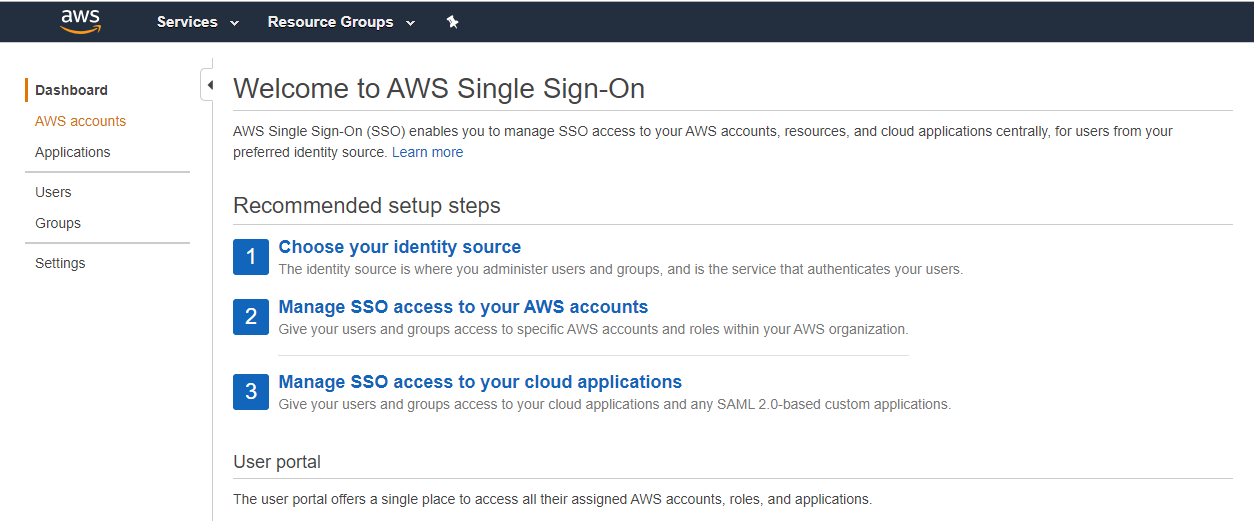
Go into SSO and click Choose Identity Source → Change Identity Source.
Select External Identity Provider and download the metadata file. Then head to Part 2 to configure Azure AD.